Computer Learning Center
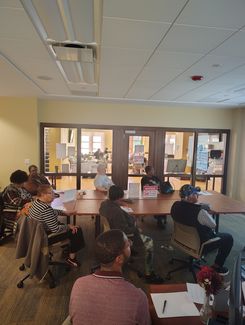
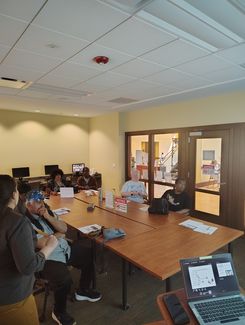
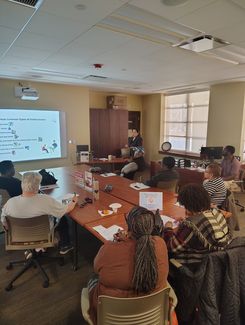
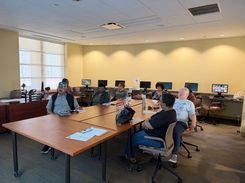
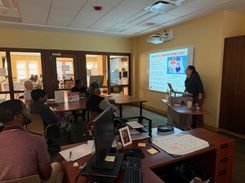
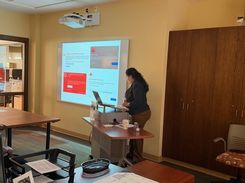
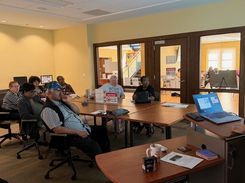
This section shares helpful information for anyone who wants to feel more comfortable with computers and everyday technology. Visitors and members can learn about basic computer parts, how to send emails, how to browse the internet safely, and other simple tech skills. You’ll also find details about group workshops, one‑on‑one help, and upcoming courses offered in the Computer Room. The goal is to give everyone a friendly place to learn and build confidence in today’s digital world.
If you are over 50 and would like to take part in computer learning or other activities the center offers, please contact us for more information.
Upcoming Classes, Workshops & Events
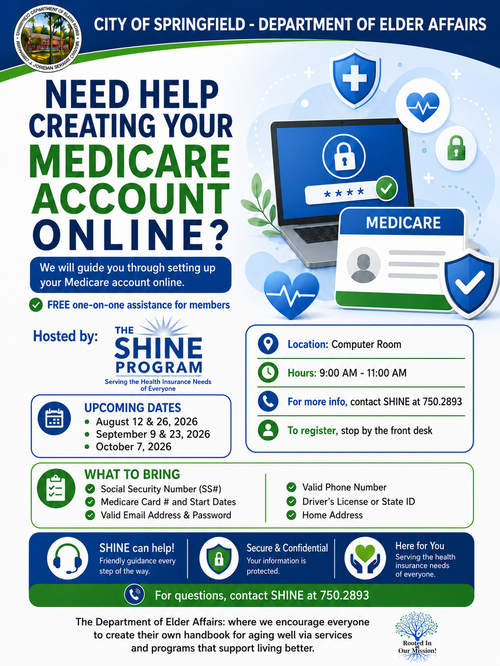
Medicare Online Account Creation
The Shine Program helps members create their Medicare Online Account. Creating an account gives members access to several important features, including:
- Tracking all medications
- Viewing Medicare coverage and benefits
- Checking claims and payment history
- Updating personal information
- Accessing notices and letters from Medicare
- Viewing or printing a Medicare card
Pictures of Staying Safe Online: A Guide for Confident Browsing